
Sales Navigator free trial in 2026: who qualifies, how long it lasts, why a card is needed, what to test before paying and how to cancel before billing.
Short answer: yes, LinkedIn offers a Sales Navigator free trial for the Core and Advanced plans. It runs one month: LinkedIn says the trial turns into a paid subscription on the billing date one month after you start. You need a credit card to start it, and you qualify only if you have no paid LinkedIn subscription now and haven't used any LinkedIn free trial in the past 365 days.
Below: who qualifies, how to start, a week-by-week plan for what to test, how to cancel before you're charged, and what to check about the "2 months free" offers you see online. All rules come from LinkedIn's own pages, checked on 21 November 2026.
Is there a Sales Navigator free trial in 2026?
Yes. Here are the rules in one table.
| Question | What LinkedIn says | Source |
|---|---|---|
| Which plans? | Core or Advanced. Advanced Plus is sold through LinkedIn's sales team. | compare plans |
| How long? | One month. It auto-renews to paid on the billing date, one month after you started. | auto-renewal help |
| Who qualifies? | Members with no current paid LinkedIn subscription (including Premium or Sales Navigator) who haven't used a LinkedIn free trial in the past 365 days. Availability may vary by plan and region. | compare plans |
| Credit card? | Required. You can cancel before the trial ends to avoid the charge. | compare plans |
| Reminder? | An email 7 days before the trial expires, if you signed up on LinkedIn.com. No email reminder for purchases made on Android. | compare plans, auto-renewal help |
| Price after the trial | Core from US$119.99/month, Advanced from US$159.99/month per license (estimates before tax). | compare plans |
Premium vs Sales Navigator trial: they are separate products. LinkedIn notes that only one free trial is allowed every 365 days, so a Premium Business or Premium Career trial you used this year can block a Sales Navigator trial too. Not sure which product you need? Read Sales Navigator vs Premium Business first.
How to start a Sales Navigator free trial
Step by step
- Sign in to the LinkedIn account you'll actually prospect from.
- Open the Sales Navigator plans page and pick Core or Advanced.
- Click the trial button. LinkedIn shows the actual price, currency and whether you qualify at checkout.
- Enter a payment card. You aren't charged during the trial.
- Write the renewal date in your calendar right away, and set a review meeting 3 or 4 days before it.
You can also check the renewal date later in LinkedIn Admin Center.
Which plan to trial: Core, Advanced or Advanced Plus
| Plan | Built for | Price after the trial (monthly / annual per license) |
|---|---|---|
| Core | Individual sellers | US$119.99 / US$1,079.88 |
| Advanced | Sales teams | US$159.99 / US$1,799.88 |
| Advanced Plus | Sales teams using an integrated CRM (Salesforce, HubSpot, Microsoft Dynamics, Oracle and more) | Quote from LinkedIn sales |
All three include 50 InMail credits a month. A team can start a trial or buy up to five Advanced licenses online from a desktop. If you work alone, trial Core. Pick Advanced only if you plan to test team features during the month, because you can't switch plans for free mid-trial: LinkedIn says switching ends the free trial benefits and starts billing on the new plan right away.
Full plan and price breakdown: Sales Navigator vs Premium Business: compare the bill.
Why you may not see the trial offer
- You already pay for a LinkedIn subscription, such as Premium Career or Premium Business.
- You used any LinkedIn free trial in the last 365 days. LinkedIn also says that after cancelling a free Premium trial you can't start another one for at least 12 months, and that past trial use can block further trials.
- The trial isn't available for your plan or region.
LinkedIn's trial eligibility page adds that trial length may vary by region or promotion. The length shown at checkout is the one that applies to you.
What to test during your 30-day trial
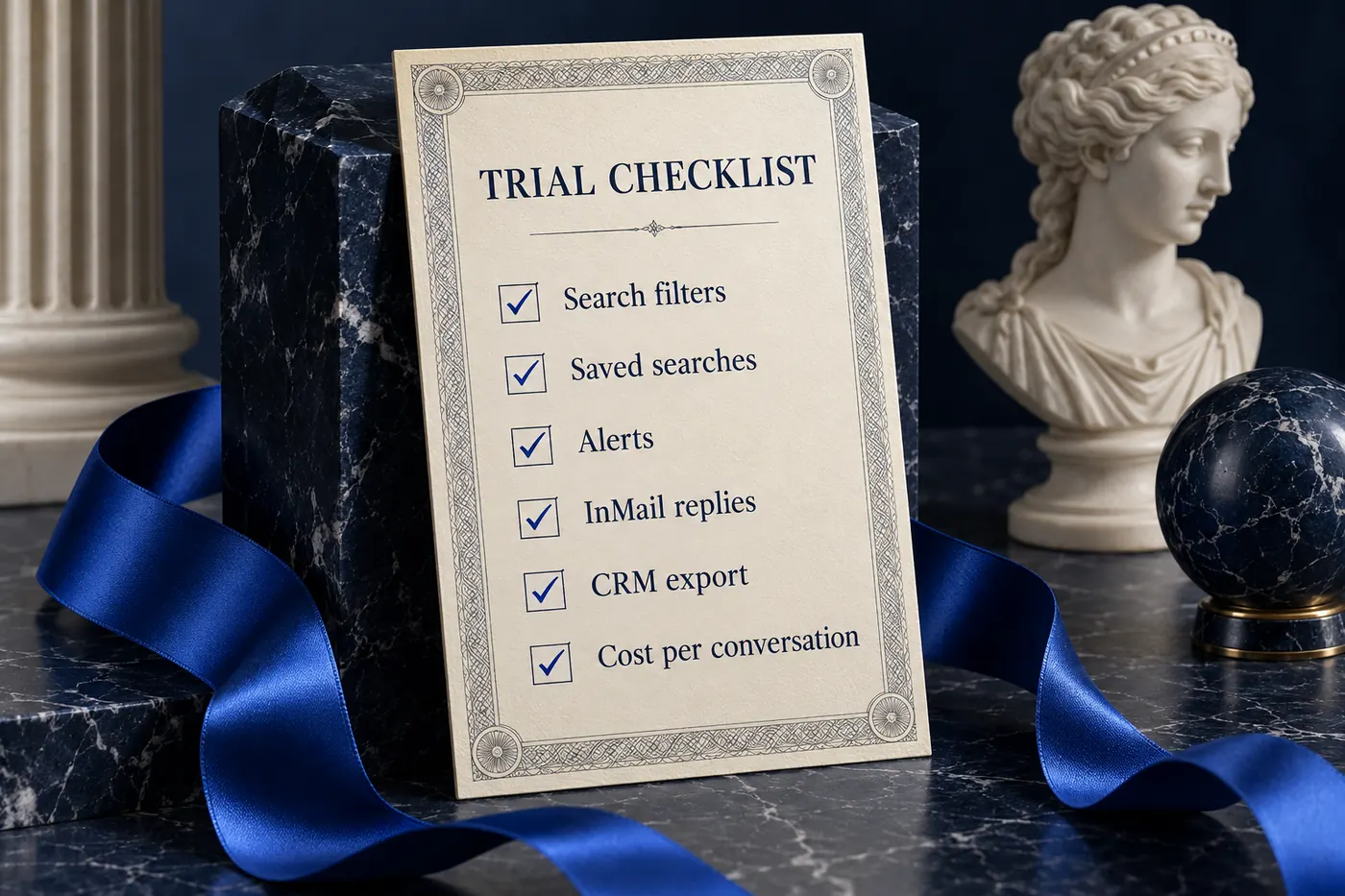
A trial nobody reviews turns into a paid subscription by default. Plan the month before you start, and pick one number to judge it by: cost per qualified conversation.

| Week | What to test | Done when |
|---|---|---|
| 1 | Search filters and saved searches for your ICP | You have 2 or 3 saved searches that return relevant people |
| 2 | Lead and account lists, alerts on job changes and posts | You know which alerts lead to a real reason to reach out |
| 3 | InMail vs connection requests on the same audience | You have reply rates for both channels |
| 4 | Getting leads into your CRM, then the decision | You can say what a qualified conversation cost |
Week 1: searches. Rebuild your ideal customer profile with the advanced filters and save the searches that work. Our guide to building a lead list in Sales Navigator walks through it.
Week 2: lists and alerts. Save leads and accounts and watch the alerts for a few days. Count how many give you an honest reason to start a conversation.
Week 3: messages. You get 50 InMail credits a month. Compare them with connection requests on the same segment: see InMail vs connection requests. Remember that a trial doesn't raise your invitation limit. Read about the weekly connection limit and connection request limits before you plan volume.
Week 4: CRM and decision. Check how leads get into your CRM. Native CRM integrations sit on Advanced Plus. Then divide the price you'd pay by the qualified conversations the trial produced, using our cost per qualified conversation method.
How to cancel a Sales Navigator free trial before you are charged
Core (LinkedIn steps):
- Sign in to LinkedIn, click your profile icon and choose Settings & Privacy.
- Open Account Preferences and scroll to Subscriptions & payments.
- Click Manage Premium account, then Manage Subscription. LinkedIn Admin Center opens.
- Click Purchases, select the subscription and choose Cancel free trial.
Advanced (LinkedIn steps): sign in to Sales Navigator, click Admin, then Admin Center and Purchases. Select the subscription on the Active tab and choose Cancel free trial. Only a purchaser admin can cancel an online Advanced subscription.
Three timing rules from LinkedIn:
- Cancel at least one day before the auto-renewal date.
- Cancelling ends access right away. LinkedIn says if you end a free trial early, you immediately lose access. So cancel near the end, after your last review, not on day 2.
- Check the time zone. Billing and renewal times follow the activation time in local US time zones for US-based English-speaking members, and UTC for everyone else.
Before you cancel, copy the notes and lead details you need into your CRM. LinkedIn's pages don't spell out what stays visible after access ends, so don't count on it.
"Sales Navigator 2 months free": what to check
There is an official 2-month offer, but it comes through a referral, not from a public signup page. LinkedIn's Referral program FAQ says:
- A current Sales Navigator user can refer up to 15 first-degree connections from the Gift icon in Sales Navigator.
- Anyone who signs up through the referral gets their first 2 months of Sales Navigator Core free.
- To qualify, you must not already have Sales Navigator, must not have used a LinkedIn free trial in the past 12 months, and must not have another active Premium subscription.
- The offer can be redeemed once per member account, and each referral link works once.
- A company's Sales Navigator admin can turn referrals off.
So ask a connection who already uses Sales Navigator. Skip sites that sell or "generate" codes: the only source LinkedIn describes is the referral hub.
Is Sales Navigator free after the trial?
No. When the trial ends, it becomes a paid subscription at your plan's price unless you cancel. If you cancel, you keep your free LinkedIn account, but Sales Navigator features stop. LinkedIn also warns that outdated billing details can get you downgraded to Basic, so update your card within five days of the renewal date if you plan to keep the plan.
There's no free Sales Navigator plan on LinkedIn's pricing page. The trial and the referral offer are the only free ways in.
Testing Sales Navigator across more than one profile
Sales Navigator is licensed per person, and LinkedIn's limits count per profile. A trial on one profile tells you about that profile's network, not your whole team's.

For a team, a fair test looks like this:
- Split the segment. Give each profile its own slice of the audience so results don't overlap.
- Same message, same pace. Change one variable at a time, and keep each profile within its own limits.
- Two profiles is enough to start. Our two-profile outreach pilot shows the setup.
- Pick the right plan. LinkedIn positions Core for individual sellers and Advanced for sales teams, with team seat management and centralized billing.
If you rent a verified profile. Teams add profiles by renting them on AllProfiles. A Premium or Sales Navigator subscription is included only when the provider says so explicitly in the listing and the rental agreement, as our account types guide explains. Confirm the exact plan, who pays the renewal and whether it lasts the full rental term. A rental price alone doesn't include a subscription: see rental pricing and is renting an account safe?. A rented profile with an active subscription also isn't eligible for a free trial, because the rule excludes members already on a paid plan.
When you're ready, browse verified accounts and compare connections, locations and monthly prices. For the tools that run outreach on top, see outreach tools for LinkedIn compared.
FAQ
How long is the Sales Navigator free trial?
One month. LinkedIn says a Sales Navigator free trial started on LinkedIn.com auto-renews to a paid subscription on the billing date, one month after you started. Trial length may vary by region or promotion; the referral offer gives 2 months of Core. Your checkout page shows the length that applies to you.
Do you need a credit card for the Sales Navigator free trial?
Yes. LinkedIn asks for payment details to start the trial. You aren't charged if you cancel before the trial ends, and LinkedIn emails a reminder 7 days before it expires when you signed up on LinkedIn.com. Cancel at least one day before the renewal date.
Can you get a Sales Navigator free trial twice?
Usually not within a year. LinkedIn offers the trial only to members who haven't used any LinkedIn free trial in the past 365 days, and says past trial use may block further trials. The 2-month referral offer can be redeemed once per member account.
How do I cancel my Sales Navigator free trial?
Open LinkedIn Admin Center, go to Purchases, select the subscription and choose Cancel free trial. Core users get there from Settings & Privacy, then Subscriptions & payments. Advanced trials are cancelled by the purchaser admin. Cancel at least a day before renewal; access ends immediately.
Is Sales Navigator free after the trial ends?
No. The trial converts to a paid plan, from US$119.99 a month for Core or US$159.99 for Advanced per license, unless you cancel. If you cancel, you keep your free LinkedIn account without Sales Navigator features. There is no free Sales Navigator plan.
What is the difference between the Premium free trial and the Sales Navigator free trial?
They are trials of different products. Premium plans like Career and Business add networking and job features, while Sales Navigator is LinkedIn's sales prospecting tool. LinkedIn allows only one free trial every 365 days, so using one can block the other.